April 13 - 17, 2026
Objective: Learn to model objects.
Assignment: Fighting Arena 50 pts
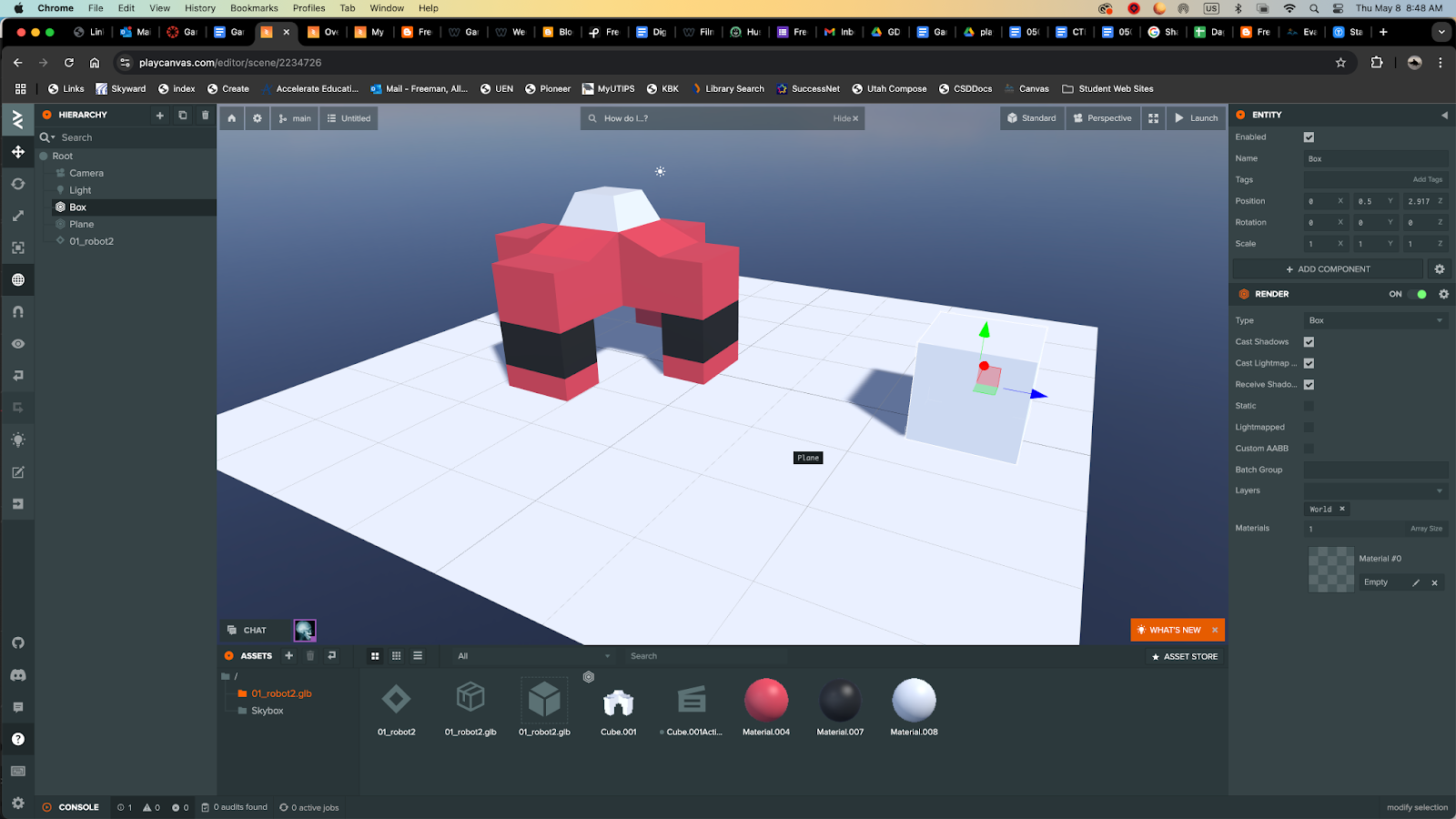
Details: Create a fighting arena for your robots. Add color, adjust lighting.
Save As: 04_Robot.blend
April 13 - 17, 2026
March 24 - 27, 2026
Objective: Coding Game
Assignment: 005d Coding [Platform Game]
Details: Import graphics into Scratch. Block code to create movement. Include animation and at least one sound effect.
Download: 5 Levels Templet
Week 11 2022 005d Coding [Platform Game]
March 9 - 13, 2026
Objective: Use sprites to create
Assignment: Animation: [Platform Game]
Details: Download the template. Create 5 levels and 4 objects using Illustrator. Create multiple Sprites to create animation.
Download: 5 Levels Templet
March 2 - 6, 2026
005b GDF1 - Game Development Fundamentals 1: Assignment: Five Levels [Platform Game]
Download: 5 Levels Templet
Objective: Creating 5 Interactive Levels.
Assignment: Five Levels [Platform Game]Details: Download the templet. Create 5 levels and 4 objects using Illustrator.
Week 8 2022 005b Five Levels [Platform Game]
Download: 5 Levels Templet
Feb. 23 - 26, 2026
005a GDF1 - Game Development Fundamentals 1: Assignment: Platform Game: Story
Download: Storyboard
Objective: Storyboard Game intro.
Assignment: Platform Game: Story.
Details: Create a story for your game explaining the why the game is being played. This could be a quest for treasure or a rescue mission or something else.
Download: Storyboard
February 9 - 12, 2026
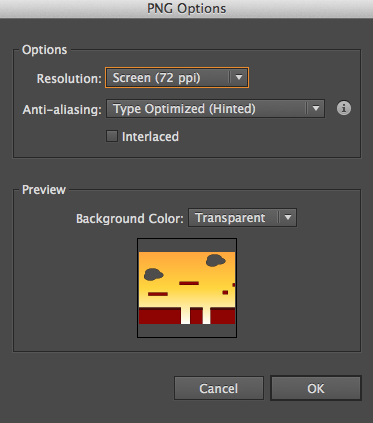
Exporting Artboards
1. File/Export
2. Click: Use Artboards
3. Chose Resolution: Medium (72 ppi), Background color: Transparent.
How do you import graphics into scratch?
1. Look for the upload icon.
2. Upload .png for transparent images.
February 9-13, 2026
Objective: Design a maze game layout.
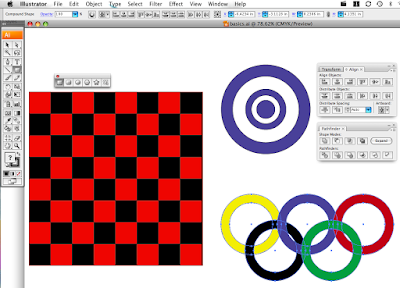
Assignment: Maze Game: Graphics & Coding Details: Create a maze game. Use Illustrator to create shapes to layout the board.
Include a background color, text that would fit your idea for your board game.
Include instructions on how to play the game. Download: maze_game_size_480x360.ai.zip
Save As: 05_MazeGame_XX.ai
Export As: 05_MazeGame_XX.jpg
Example: First draft or your maze game.
STRAND 5: Game Design Production Cycle (54% -29 of 54 pts): Students will be able to create and develop a game, in one of the identified game genres (Action, Adventure, RPG, Simulation or Strategy), using the Game Design Production Cycle.
Standard 2: Pre-Production (Design) --Students will be able to design documents as part of the
Preproduction of the game.
Put together a "Game Design Document" (the overall blueprint) and include the following components:
Title
February 2-6, 2026
003c GDF1 - Game Development Fundamentals 1: Assignment: Board Game: Final Draft
Objective: Design a board game layout.
Assignment: Board Game: Final Draft
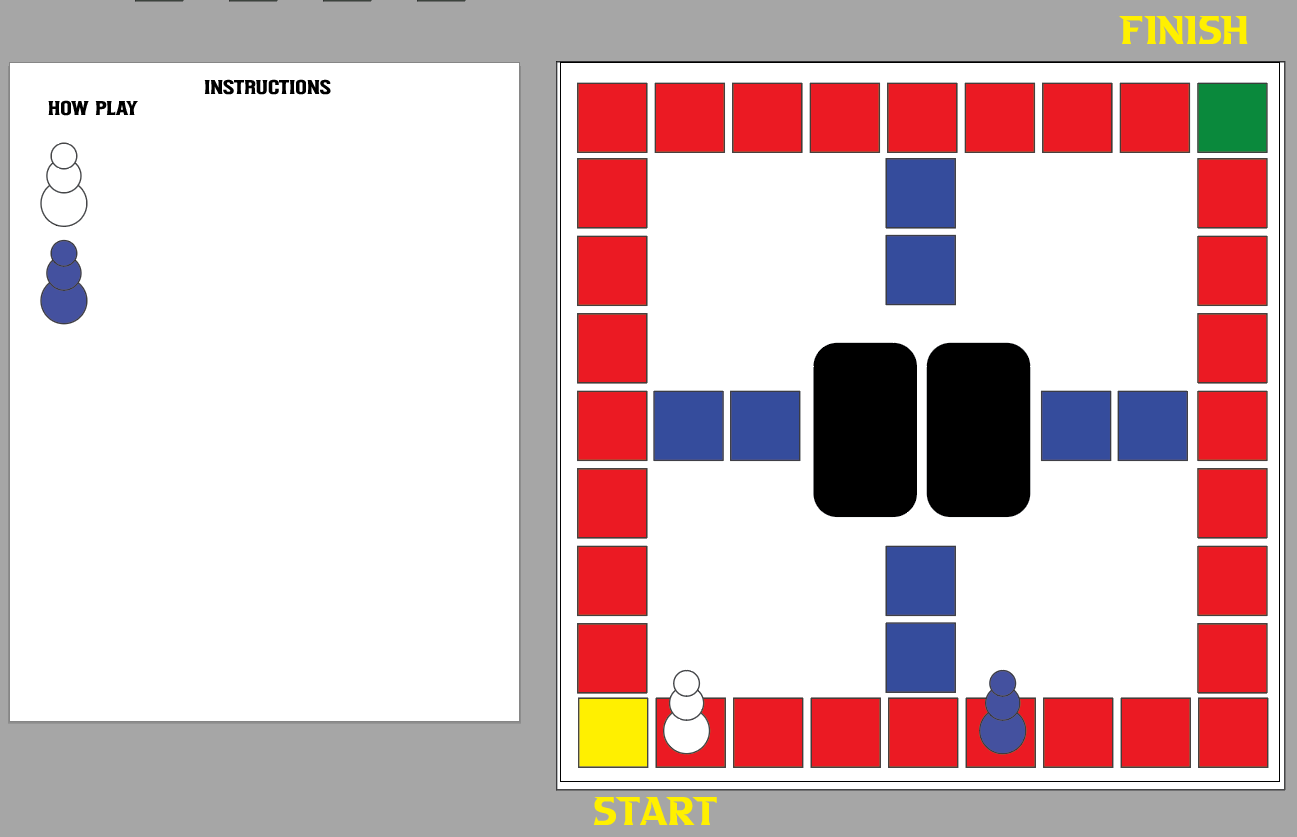
Details: Create a board game. Use Illustrator to create shapes to layout the board. Include a background color, text that would fit your idea for your board game. Include instructions on how to play the game.
Size: 12 x 12 inches.
Save As: 05_BoardGame_XX.ai
Export As: 05_BoardGame_XX.jpg
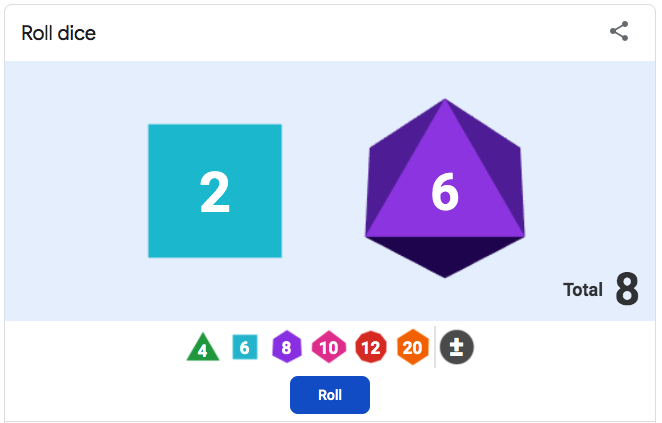
Links: Dice Roller
Example: Final draft or your board game.
STRAND 5: Game Design Production Cycle (54% -29 of 54 pts): Students will be able to create and develop a game, in one of the identified game genres (Action, Adventure, RPG, Simulation or Strategy), using the Game Design Production Cycle.
Standard 2: Pre-Production (Design) --Students will be able to design documents as part of the
Preproduction of the game.
• Put together a "Game Design Document" (the overall blueprint) and include the following components:
• Title
February 2 - 6, 2026
GDF1 - Game Development Fundamentals 1: Assignment: Board Game: Strategy
Objective: Create Instructions on how to play your game.
Assignment: Board Game: Instructions & Game Name
Details: Create a new art board in Illustrator.
Size: 12 x 12 inches.
Save As: 05_BoardGame_XX.ai
Export As: 05_BoardGame_XX.jpg
Install Fonts.
1. Download font. (www.dafont.com)
2. Unzip download
3. Locate .ttf or .otf file. ( Double click to install)
4. Font will install through Font Book software.
January 20 - 23, 2026
GDF1 - Game Development Fundamentals 1: Assignment: Board Game: Strategy
Objective: Design a board game layout.
Assignment: Board Game: Strategy
Details: Create a board game. Use Illustrator to create shapes to layout the board. Include a background color, text that would fits your idea for your board game. Include instructions on how to play the game.
Size: 12 x 12 inches.
Save As: 05_BoardGame_XX.ai
Export As: 05_BoardGame_XX.jpg
Example: First draft or your board game.
January 20 - 23, 2026
002 GDF1 - Game Development Fundamentals 1: Assignment: Game Name
Objective: Develop a Game Name.
Assignment: Game Name
Links: Adobe Express, Convert Video to Gif: https://ezgif.com/
Details: Create a title page for a video game you would like to create. Use Adobe Illustrator to create this graphic. Include a background color, text and character or characters from other games that would fit your idea for a game.
Size: 1920 x 1080 pixels. Resolution: 72dpi
Save As: 04_GameName_XX.ai
Export As: 04_GameName_XX.jpg
January 12 - 15, 2026


April 13 - 17, 2026 Objective: Learn to model objects. Assignment: Fighting Arena 50 pts Details: Create a fighting arena for your robot...