Tuesday, February 3, 2026

Week 23b 2025 Board Game Final

February 2-6, 2026

003c GDF1 - Game Development Fundamentals 1:  Assignment: Board Game: Final Draft

Objective: Design a board game layout.

Assignment: Board Game: Final Draft

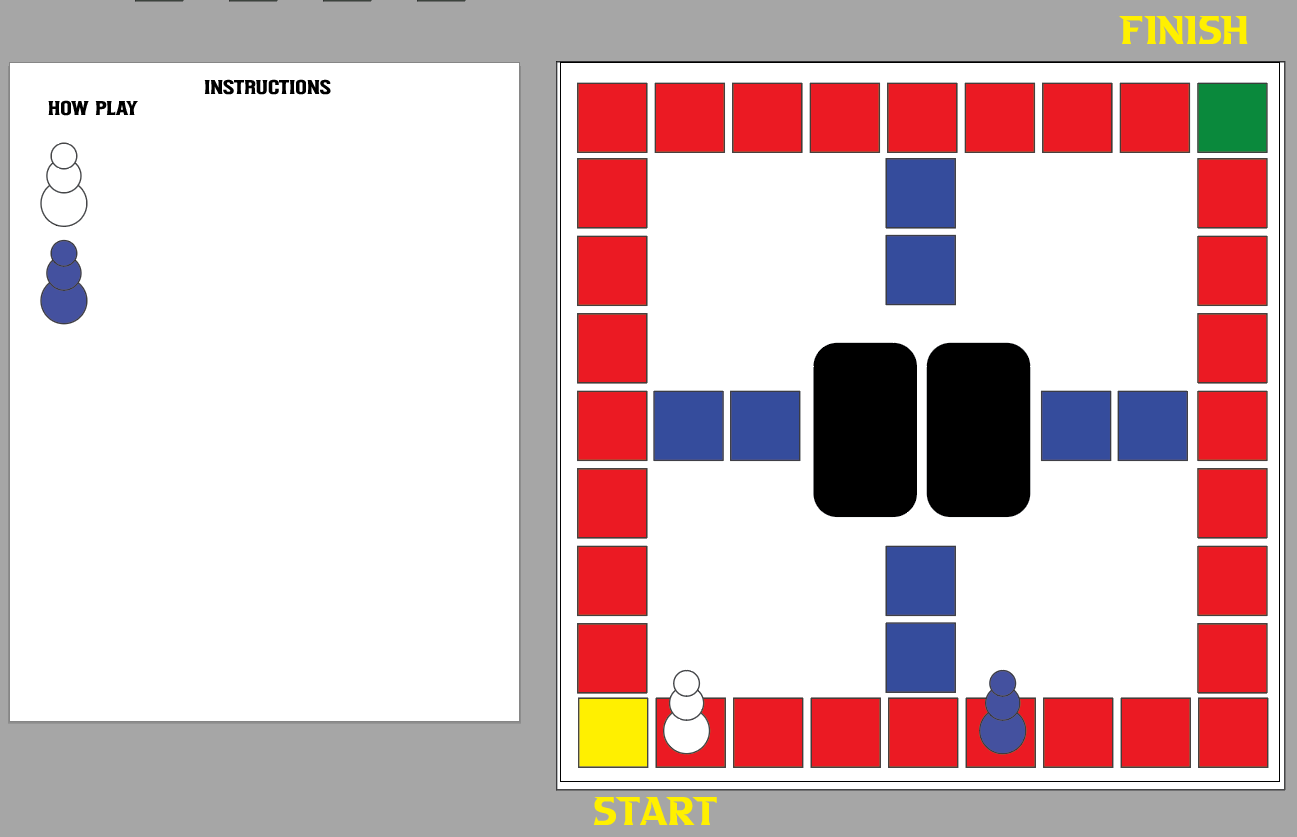
Details: Create a board game. Use Illustrator to create shapes to layout the board. Include a background color, text that would fit your idea for your board game. Include instructions on how to play the game.

Size: 12 x 12 inches. 

Save As:  05_BoardGame_XX.ai

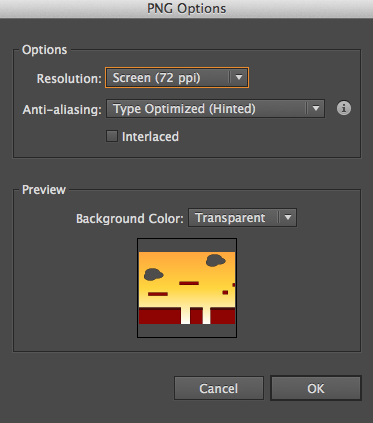
Export As:  05_BoardGame_XX.jpg

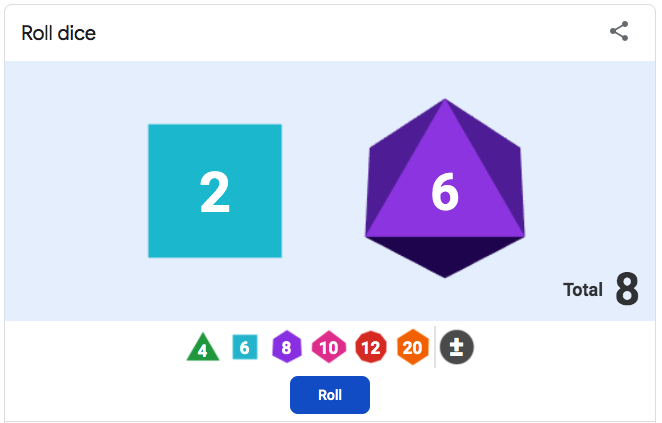
Links: Dice Roller


Example: Final draft or your board game.


STRAND 5: Game Design Production Cycle (54% -29 of 54 pts): Students will be able to create and develop a game, in one of the identified game genres (Action, Adventure, RPG, Simulation or Strategy), using the Game Design Production Cycle.

Standard 2: Pre-Production (Design) --Students will be able to design documents as part of the

Preproduction of the game.

• Put together a "Game Design Document" (the overall blueprint) and include the following components:

• Title


Wednesday, January 28, 2026

Week 23 2026 Board Game: Instructions

February 2 - 6, 2026  

GDF1 - Game Development Fundamentals 1:  Assignment: Board Game: Strategy

Objective: Create Instructions on how to play your game.
Assignment: Board Game: Instructions & Game Name
Details: Create a new art board in Illustrator.  

Size: 12 x 12 inches.
Save As:  05_BoardGame_XX.ai
Export As:  05_BoardGame_XX.jpg

Install Fonts.
1. Download font. (www.dafont.com)
2. Unzip download
3. Locate .ttf or .otf file. ( Double click to install)
4. Font will install through Font Book software.

Example: First draft or your board game.


Monday, January 26, 2026

Week 22 2026 Board Game Pieces

January 26-30, 2026  

Objective: Customize shapes to create Pieces.
Assignment: Board Game Pieces.

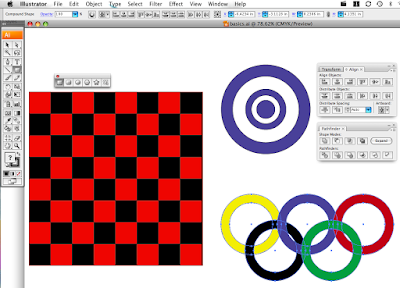
Illustrator is a Vector based tool used to create logos, clip art, t-shirt designs, and many other graphics. Learned how to use the Selection Tool, Moving objects, creating rectangles, ellipses, changing color of the fill and stroke, Duplicating, rotating. Went over the Zoom tool, Align, and Pathfinder.


Thursday, January 22, 2026

Week 21b 2026 Board Game

January 20 - 23, 2026 

GDF1 - Game Development Fundamentals 1:  Assignment: Board Game: Strategy

Objective: Design a board game layout.
Assignment: Board Game: Strategy
Details: Create a board game. Use Illustrator to create shapes to layout the board. Include a background color, text that would fits your idea for your board game. Include instructions on how to play the game. 

Size: 12 x 12 inches.
Save As:  05_BoardGame_XX.ai
Export As:  05_BoardGame_XX.jpg

Example: First draft or your board game.


Tuesday, January 20, 2026

Week 21 2026 Game Name

January 20 - 23, 2026 


002 GDF1 - Game Development Fundamentals 1:  Assignment: Game Name

Objective: Develop a Game Name.
Assignment: Game Name

Links: Adobe Express, Convert Video to Gif: https://ezgif.com/
Details: Create a title page for a video game you would like to create. Use Adobe Illustrator to create this graphic. Include a background color, text and character or characters from other games that would fit your idea for a game. 


Size: 1920 x 1080 pixels. Resolution: 72dpi
Save As:  04_GameName_XX.ai
Export As:  04_GameName_XX.jpg


Week 23b 2025 Board Game Final

February 2-6, 2026 003c GDF1 - Game Development Fundamentals 1:  Assignment: Board Game: Final Draft Objective: Design a board game layout....