December 15-19, 2025
Objective: Model objects.
Assignment: Spaceship Game
Details: Create a spaceship

December 15-19, 2025
December 8 - 12, 2025
Importing Blender Robot into PlayCanvas:
1. Open Blender file and save as to create a duplicate.
2. Delete everything except your robot.
Press A / Hold down shift to deselect your robot / press X
Move robot to 0 access
File / Export / glTF 2.0 (.glb/.gltf)
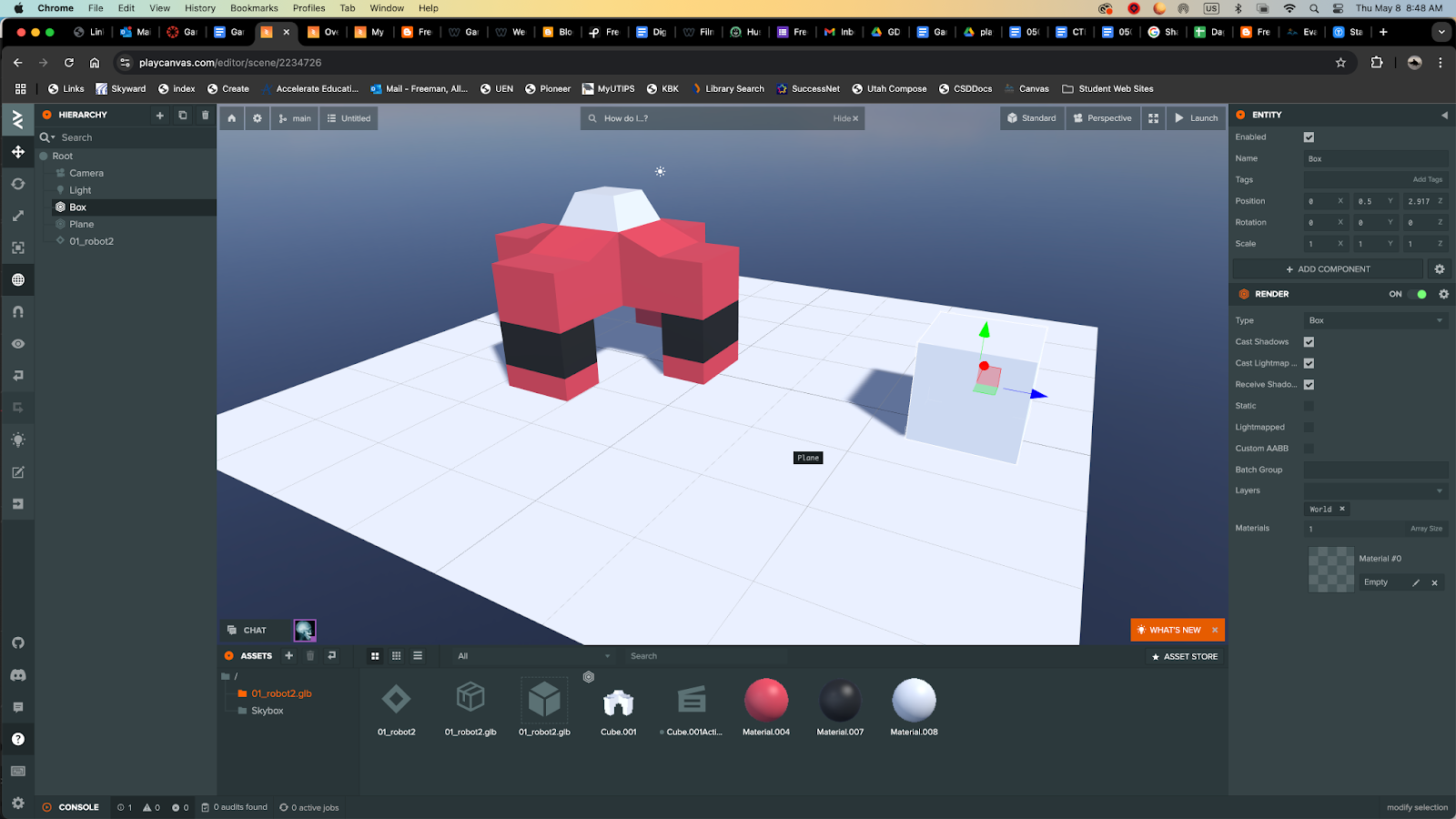
Open PlayCanvas: Create a new document.
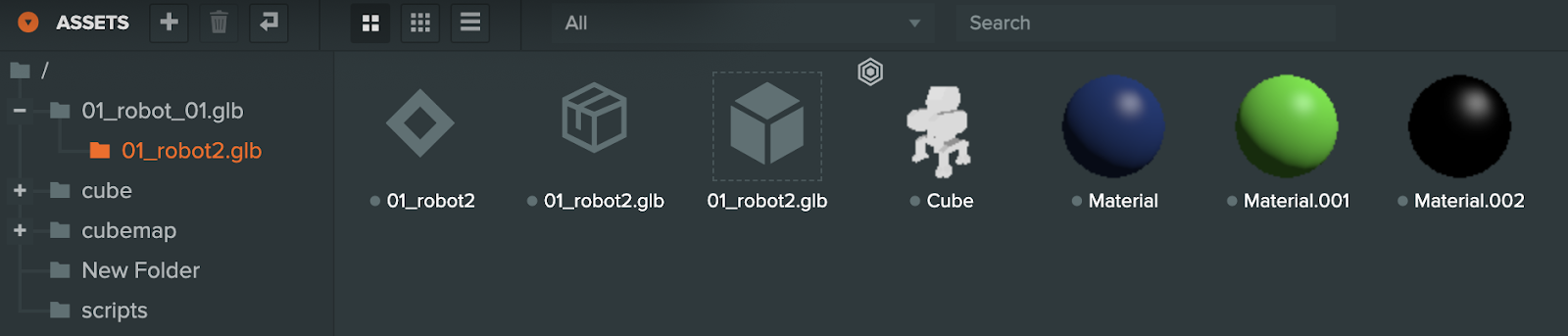
2. Drag and drop your .glb file to the assets (robot2.glb)
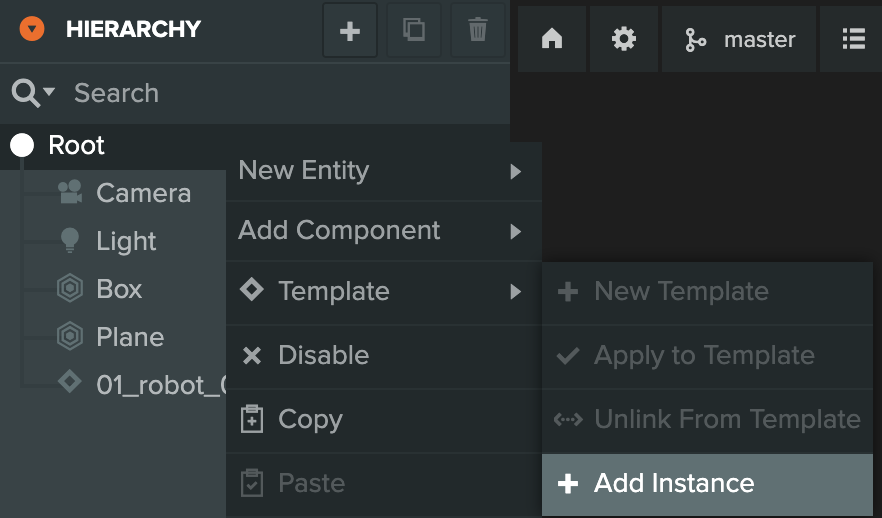
3. Right mouse click on Root /Templet / +Add Instance. Chose your robot below in the assets.
Resources:
Importing your first model and animation - PlayCanvas Tutorials
https://www.youtube.com/watch?v=r0LYQw7laRA&t=92s
https://developer.playcanvas.com/user-manual/